No arbitrary seams
Reports, tables and conversations stay together instead of being cut at paper boundaries.
Web to PDF extension · local by default
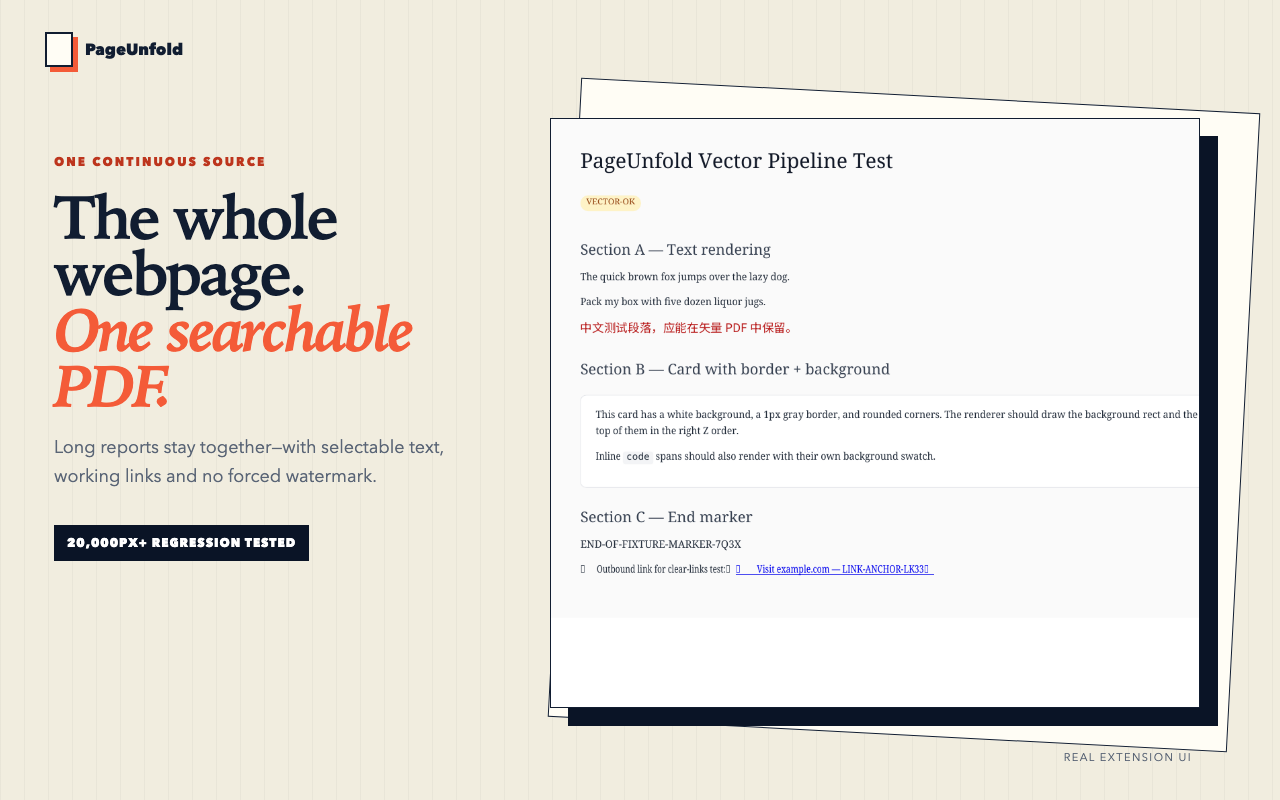
Save a long report, research thread or signed-in reference without page seams, repeated headers or a forced watermark. PageUnfold captures the page already open in Chrome and keeps core conversion on your device.
All features on the free plan · Google sign-in required · PDF download limit applies
Chrome print
8 pages · repeated header · clipped cardsPageUnfold
Browser printing assumes sheets of paper. PageUnfold assumes a knowledge library: searchable text, working links and one uninterrupted source you can file beside your notes.
Reports, tables and conversations stay together instead of being cut at paper boundaries.
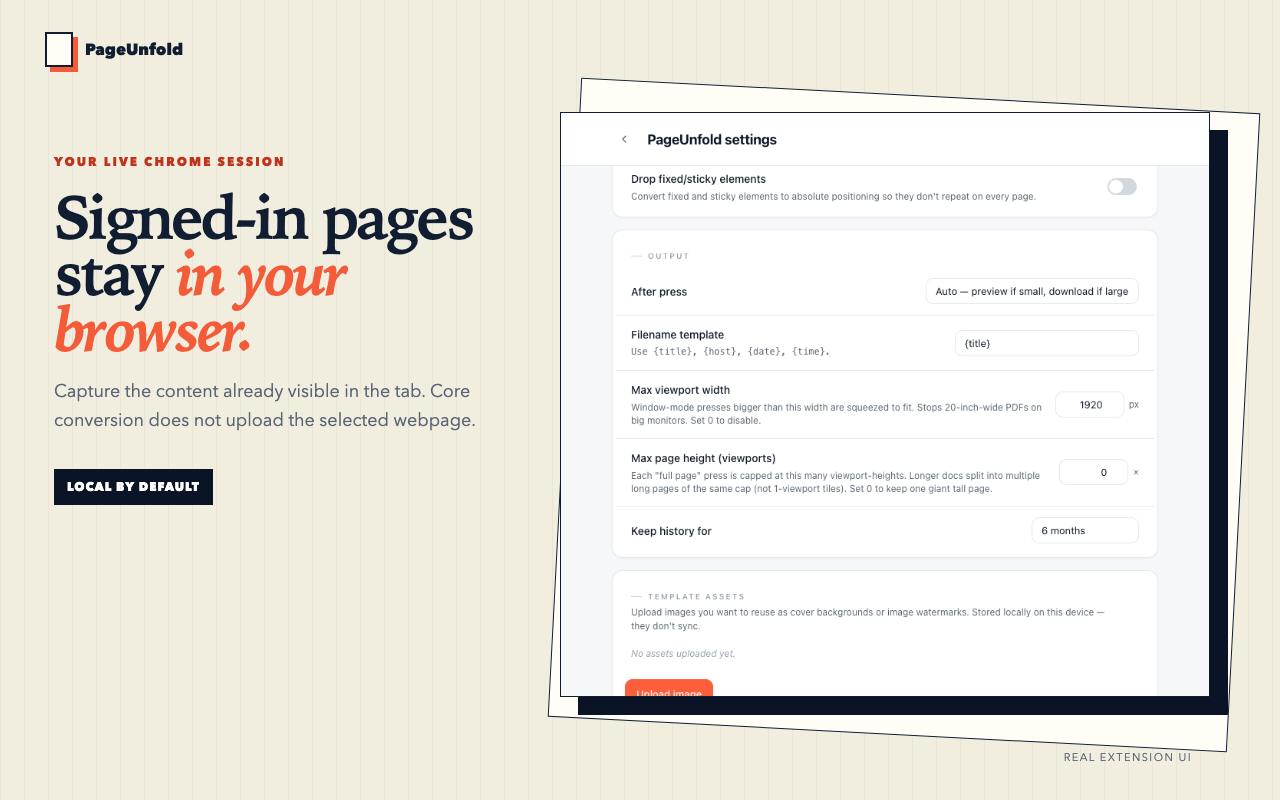
Capture the live tab after you sign in. PageUnfold never asks for the website password.
The extension prepares the live page so on-demand images and sections can appear before capture.
PageUnfold is designed for people who treat the web as research material—not a disposable browser tab.
Keep one stable PDF with selectable quotes and the original links.
Avoid a folder full of numbered page fragments that lose their reading flow.
Save the page you can see without handing the underlying page to a conversion service.
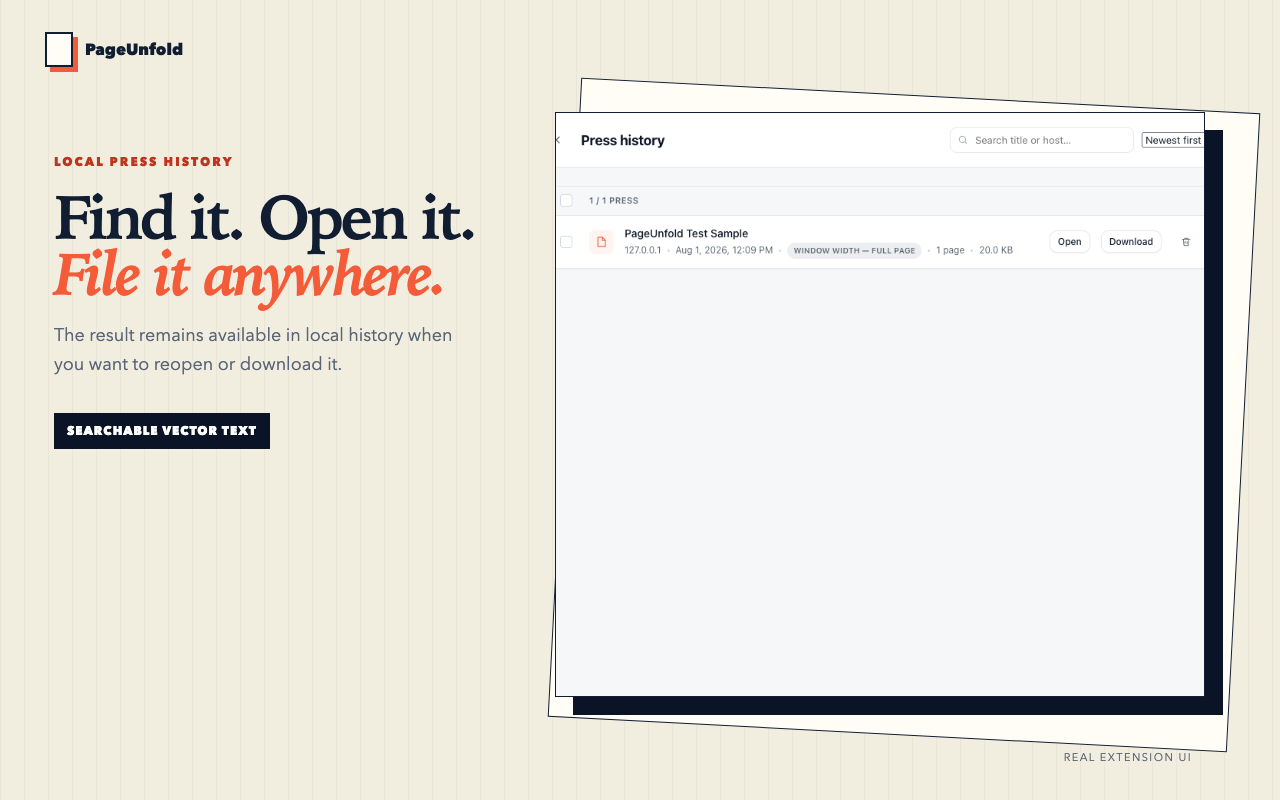
Every frame below is generated from the real local build. The same repeatable capture workflow produces the Chrome Web Store assets.
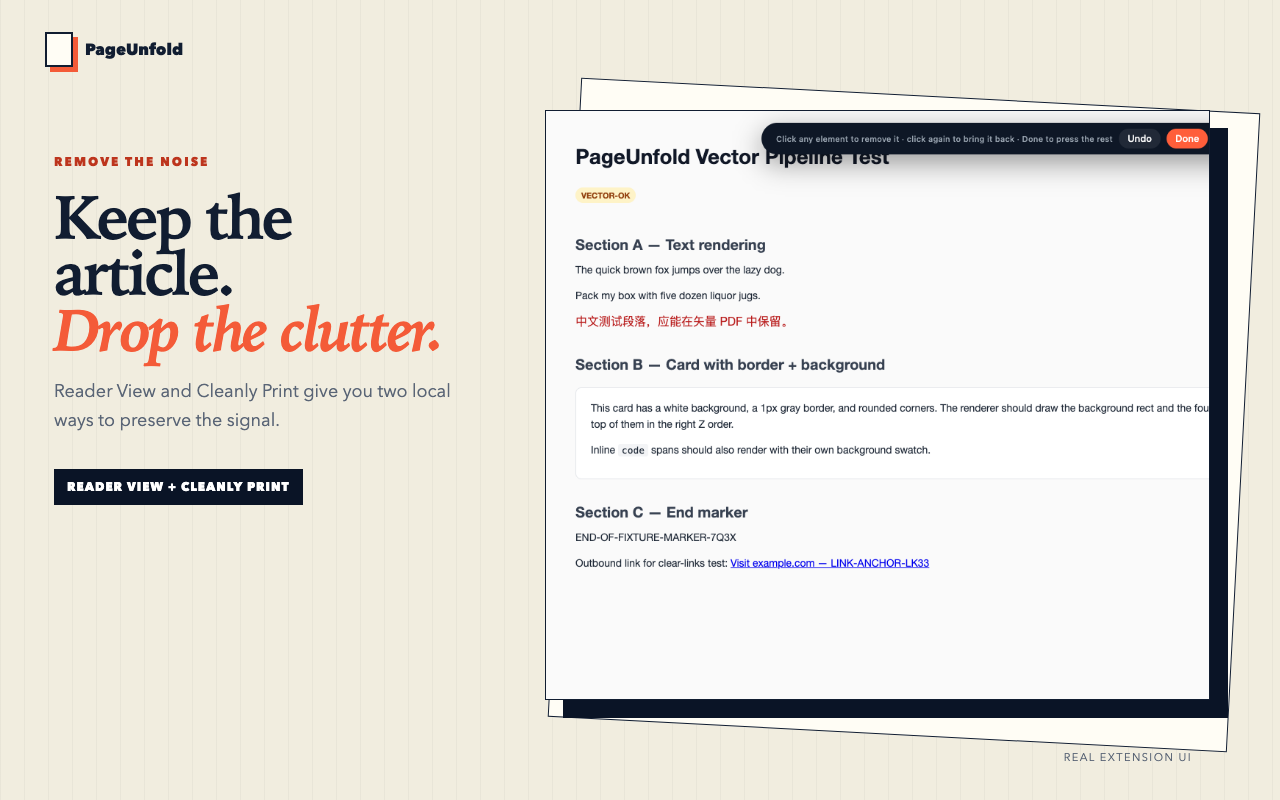
Sign in if needed and reveal the content you want to keep.
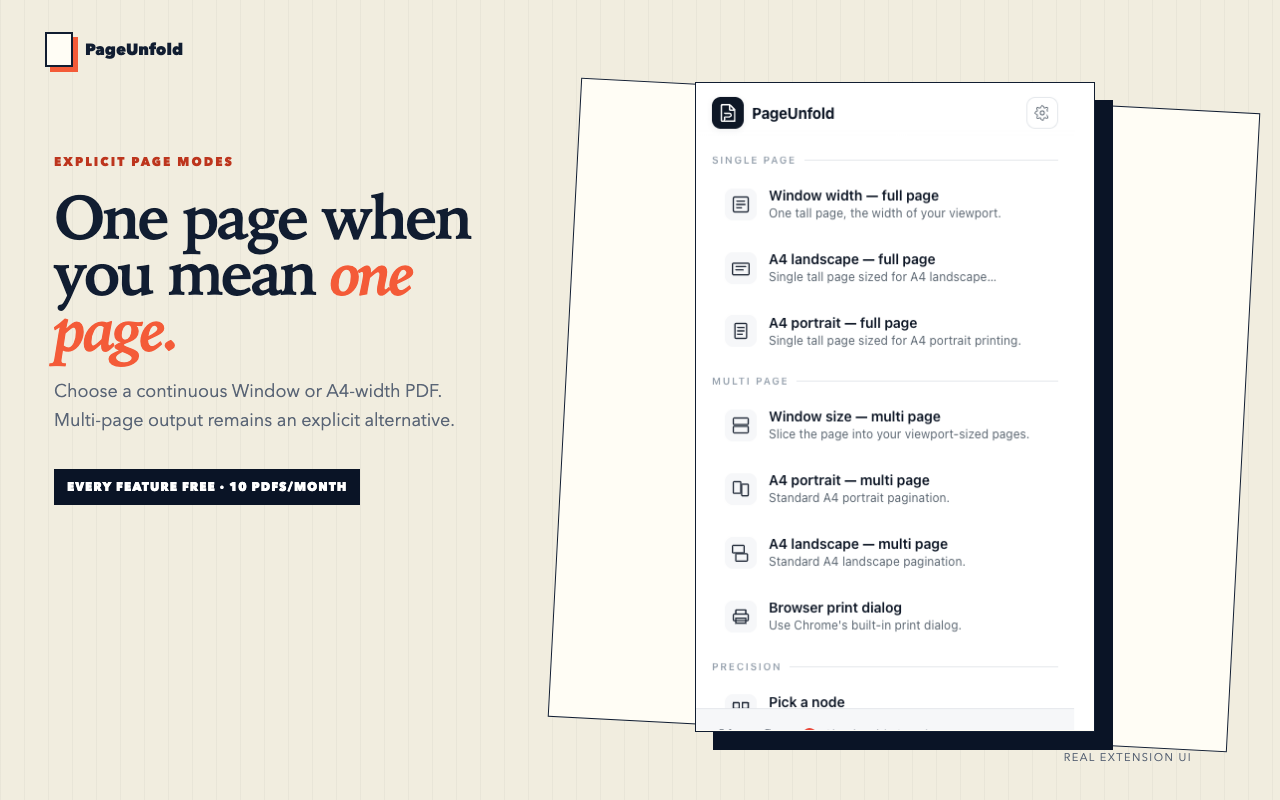
Use Window width or an A4-width continuous page. Multi-page modes are explicit alternatives.
Preview or download searchable output, then add it to your research system.
Core conversion runs inside Chrome and does not upload selected page content to a conversion server. Account and diagnostic requests are documented separately in the privacy policy.
Yes, when the page is already open and visible in your current Chrome session. Restricted browser pages such as chrome:// and the Chrome Web Store cannot be captured.
No. The rendering pipeline preserves searchable text and ordinary PDF links. Complex websites can still vary, which is why long-table, lazy-load, multi-section and dark authenticated fixtures are part of the release gate.
Yes. Version 0.1.0 was approved and is publicly listed. The install button on this page links to the real Chrome Web Store listing.